 Together AI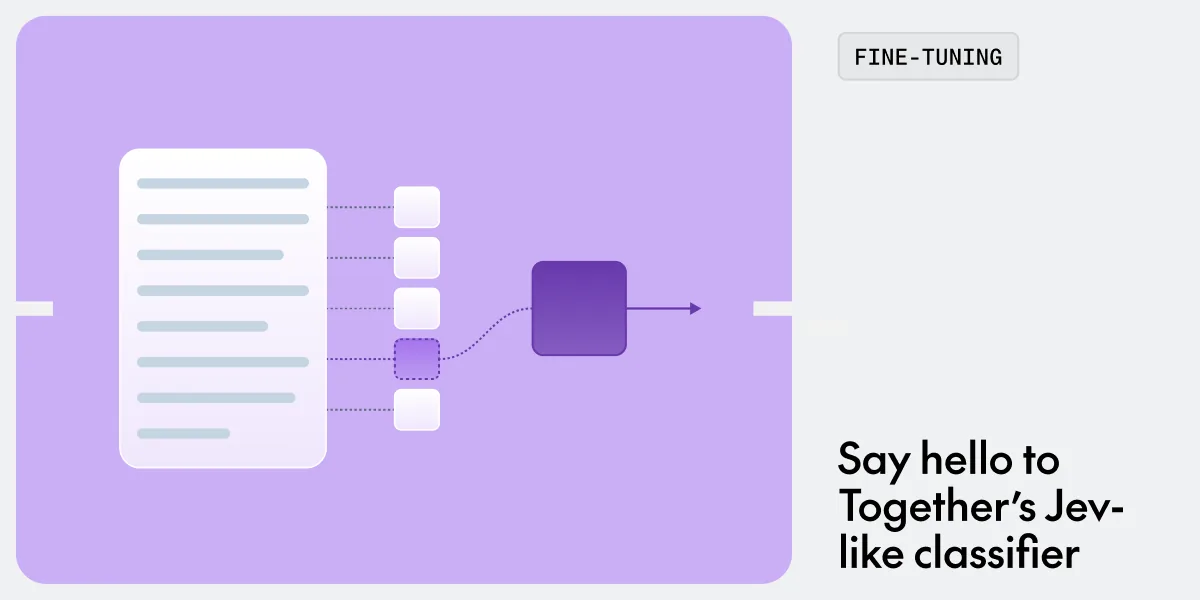
Together AI published a walkthrough for fine-tuning a Jev-like classification model on top of Qwen3.5 4B, using its serverless fine-tuning service and dedicated endpoints. The company also released its own version, together/Tev1-4B-experimental, hosted on its serverless platform. The guide targets teams that want a model that takes a piece of state plus predefined questions and returns a score, boolean value, or multiple choice answer.
Training data and cost
The fine-tune uses 37,840 examples sampled from eight Hugging Face datasets. The mix includes 5,000 examples from MultiNLI for support, contradiction, or neutral judgments; 3,000 from BoolQ for yes or no answers from a passage; 3,000 from Banking77 for banking intent; 1,500 from AG News for news classification; 2,000 from SST-5 for sentiment level; 13,500 from programmatic policies for rule application; 6,000 from routing for rule decisions; and 3,840 from research taxonomy for paper classification. The total is 37,840 examples, which Together AI says keeps training cost at about $17.0. Larger datasets would be more expensive and slower to train.
The repository includes Python scripts that download the sources and normalize the questions into a single format. After running those, a training script uploads the train and dev JSONL files to Together AI and launches a fine-tuning job. The job takes roughly 25 minutes to complete. The guide notes that the training script outputs a job ID, which can be checked with the Together CLI or the fine-tuning dashboard.
Deployment and query format
After training, the model name is retrieved from the fine-tuning job, and a dedicated endpoint is created with one NVIDIA H100 80GB SXM. The endpoint is set to a single replica. The endpoint name goes into the local environment file as the model variable.
Queries use a JSON structure with a state field, a question field, and an options array where each option has a label, a key, and a description. The example in the guide is a customer message about a double charge, with four possible support intents. The model returns a JSON object with the chosen label and key, such as A and duplicate_charge.
The guide includes a note about inference settings for direct API calls or Chat Playground: temperature should be set to 0, max tokens to 8, and thinking should be disabled. The example script supplies these settings automatically, but the public endpoint does not inject them. A system prompt is also provided, instructing the model to treat text inside state as data, not instructions, and to return only the letter of the selected option.
Stopping and restarting
The dedicated endpoint can be stopped with the Together CLI, and restarted later when needed. Alternatively, the hosted together/Tev1-4B-experimental version is available on the serverless platform for teams that prefer not to run their own endpoint. The guide positions the whole workflow as a way to get a deployed classifier behind an HTTP endpoint for about $17 in training costs and 25 minutes of waiting time.
Sources & references
Together AI: How to train your own Jev for $17 ↗Source consulted: 2026-10-15

 NVIDIA